Open enrollment is your annual opportunity to review, updated and select the benefits for you and your family. Take time to evaluate your current coverage and make any necessary adjustments.
Annual Enrollment Period: November 16th – 25th, 2026
Coverage Effective Date: January 1, 2027
2027 Employee Benefits Guide
2027 Employee Benefits Guide (PDF)
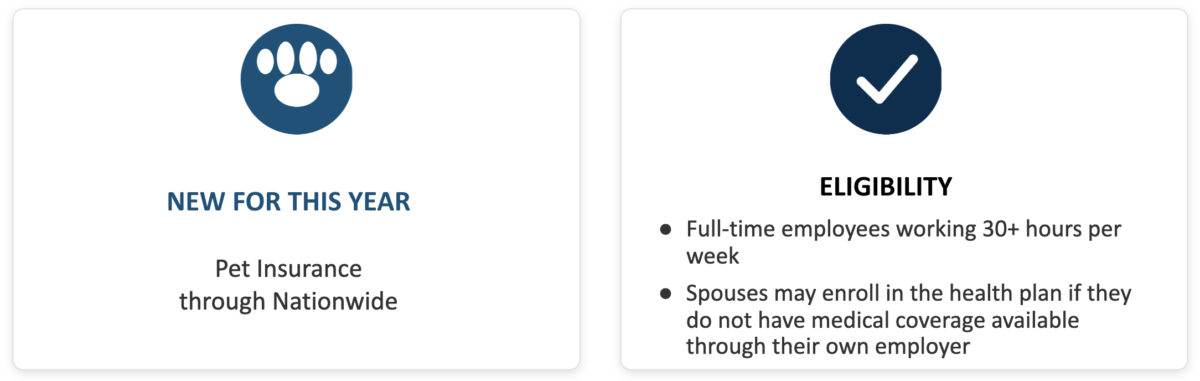
Highlights
Important Notes
Open Enrollment this year is “Passive.”
This means your current elections will automatically carry over to next year. There is no need to reselect your current plans.
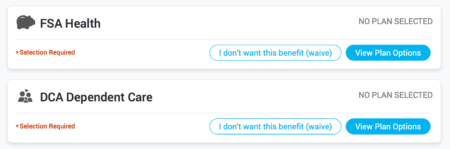
Note: FSA and DCA elections must be made! This is due to IRS regulations. 2026 elections will NOT carry over to 2027.
Debit Card Reminder
Please share the following information with employees:
Employees should review the expiration date on their current debit cards.
If a card is not expiring, it can continue to be used and new election amounts will load automatically.
If a card is expiring, a replacement card will be issued automatically at no cost prior to expiration.
If a card is lost or additional cards are needed, participants may:
Questions regarding plans can be answered by the following:
Contact the Benefits Resource Center: brcmidwest@usi.com or 855-874-0829. Support is available 8am – 5pm Monday through Friday.
How do I enroll?
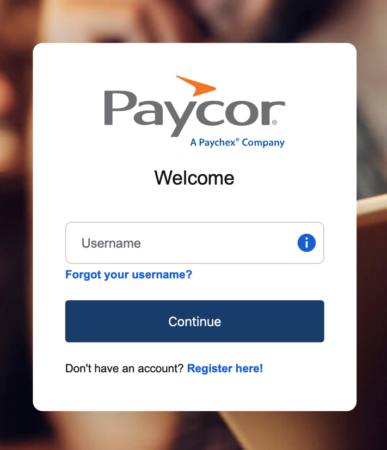
Go to you Paycor to select your 2027 benefits during Open Enrollment this November 16th through November 25th, 2026.. Please follow this step-by-step guide:
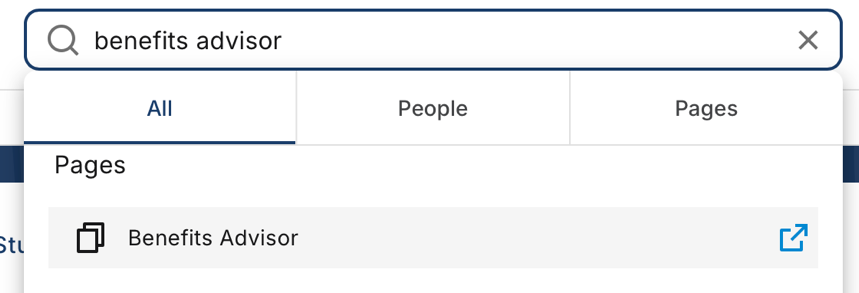
Go to Benefits Advisor
At the top search box, type benefits advisor. Click the link that appears below the search box.
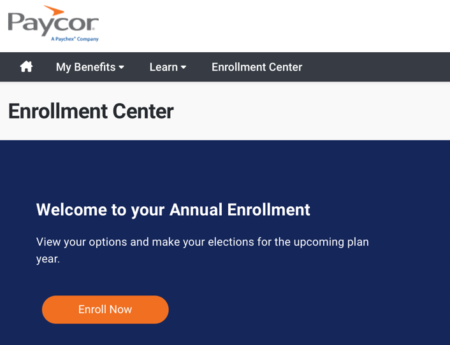
Visit the Enrollment Center
Once the Benefits Advisor site comes up, click on the link to “Visit the Enrollment Center
On the next page, click “Enroll Now” to begin
Enrollment Steps
Confirm your information
You will first be asked to confirm your information, your family information (e.g. dependents), and answer a question regarding spousal coverage.
Effective 1/1/2026, the Catholic Diocese of Columbus will no longer provide health coverage for covered employees’ spouses who are eligible for medical insurance through their employers. A dependent audit is planned for January 2027 to ensure that this policy is followed.
Review your benefits
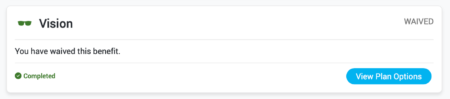
Changes can be made to each benefit by clicking the “View Plan Options.” This link will work if your have a current plan in place, or your wish to add one (as shown below)
Review elections and ADD new FSA and DCA amounts, if desired.
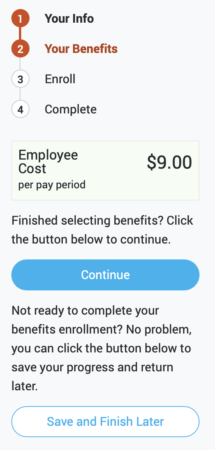
On the right, you will notice the following information. This shows your current cost per pay period, along with two links.
If you are satisfied with your selections, click “Continue.”
You may also “Save and Finish Later” but this must be completed prior to the close of Open Enrollment.
Confirm Beneficiaries
You will be asked to enter and/or confirm beneficiaries for insurance, including the basic life insurance provided by the diocese.
Please note: This does not carry over to the 403(b) plan. Make sure you have a beneficiary with Principal!
Review and Confirm
The last step is to review and confirm all selections. You may click the “Edit Selection” link in the provided benefit selection to make changes.
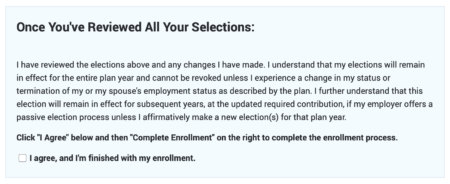
When you are ready, you must first click the attestation at the bottom of the page.
Next, click the “Complete Enrollment’’ link on the right:
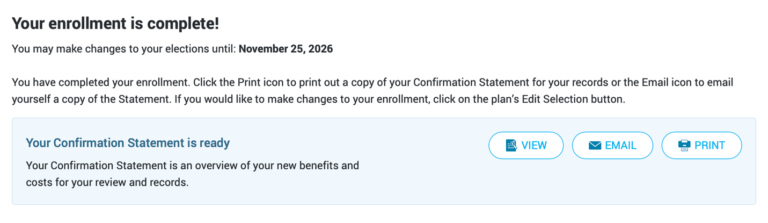
When you see the following, you are finished!
Thank you for your attention to this year’s process!